promptpeep
#3d-game-characters #ai-avatars #anime-cartoon #art-styles-paintings #brand-identity-kits #cars-vehicles #characters-sci-fi-fantasy #couple-family-photo-prompts #emoji-stickers #fantasy-maps-d-d #interior-architecture #lingerie-bikini #logos-graphic-design #men-boys-photo-prompts #product-food-photography #professional-headshots #profile-pictures-selfies #realistic-photography #social-media-covers #tattoo-designs #wallpapers-backgrounds #women-girls-photo-prompts
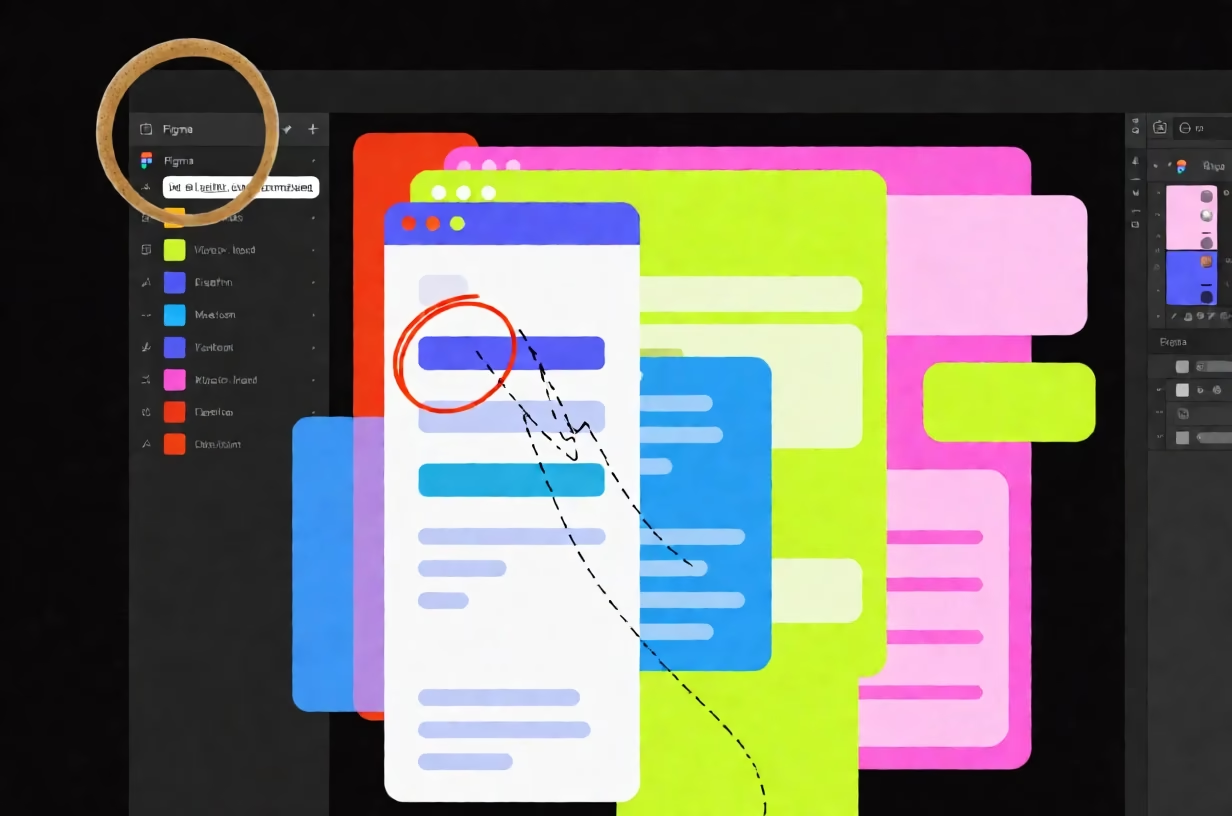
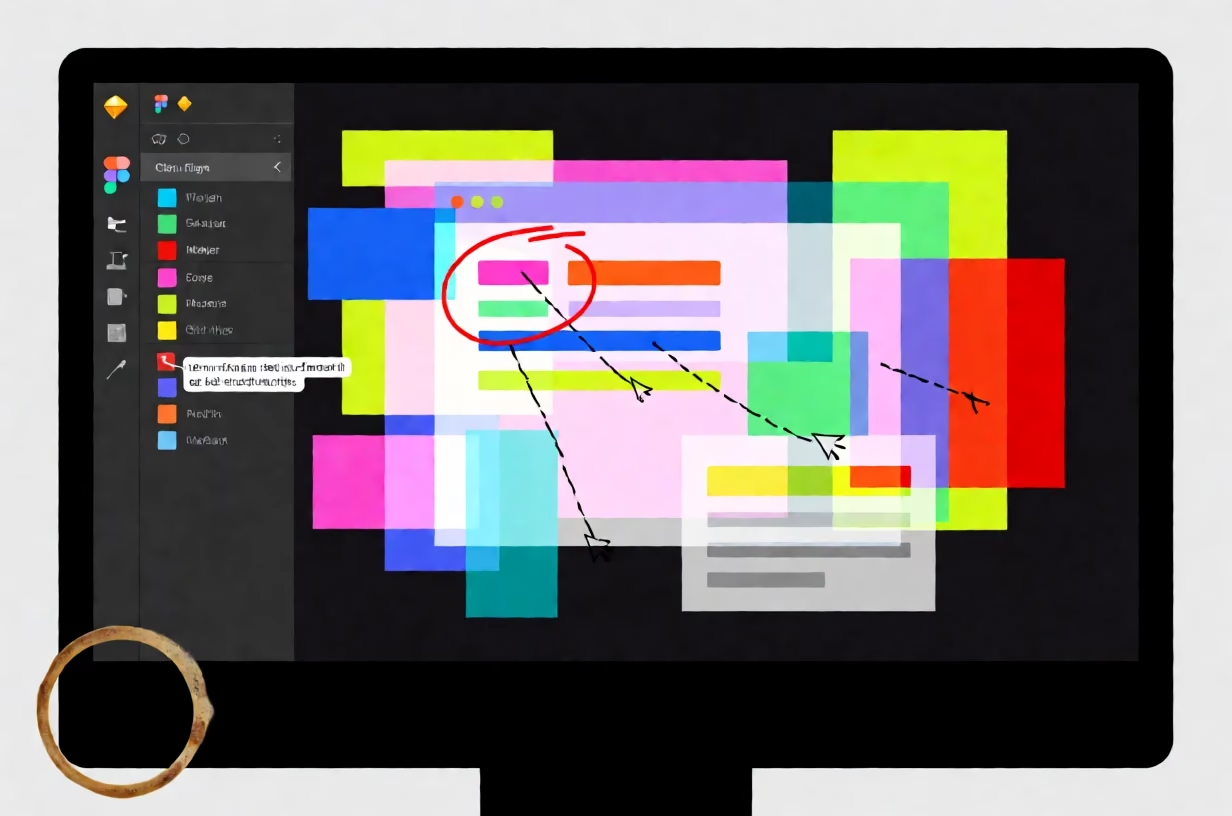
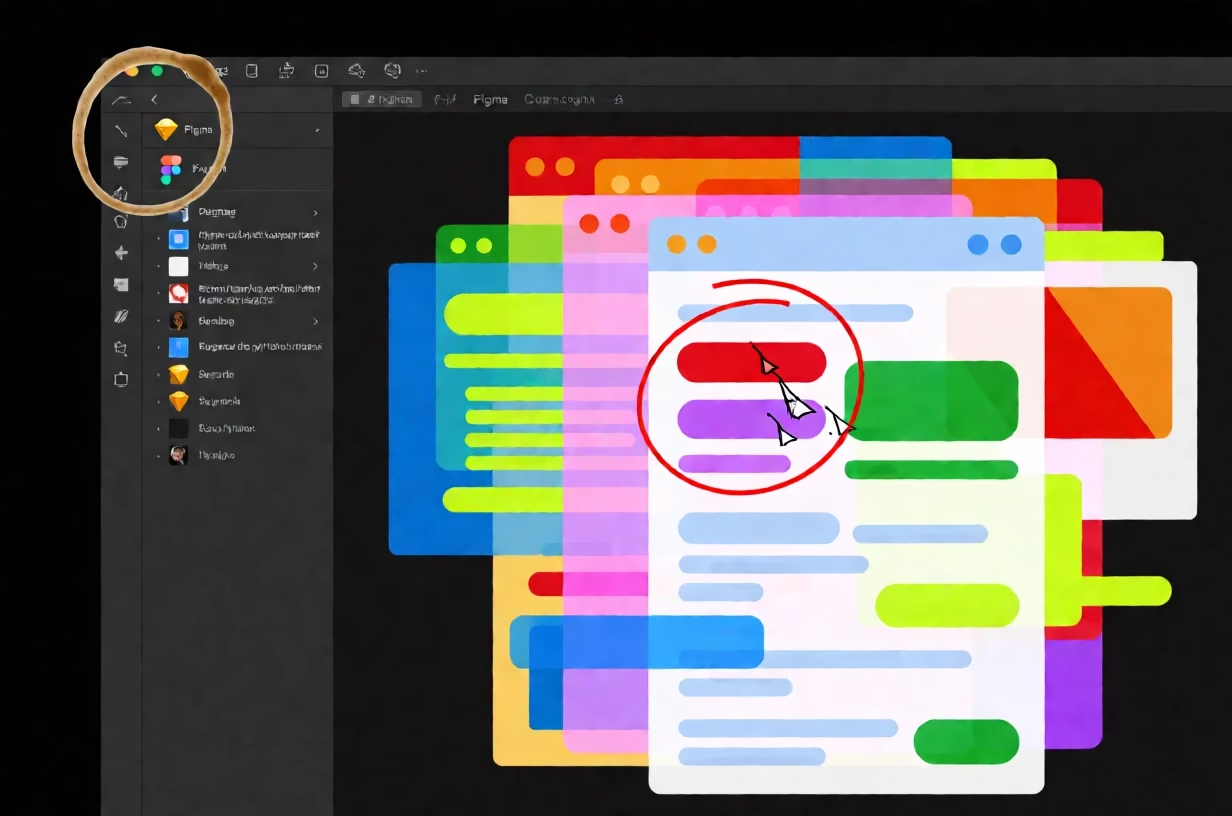
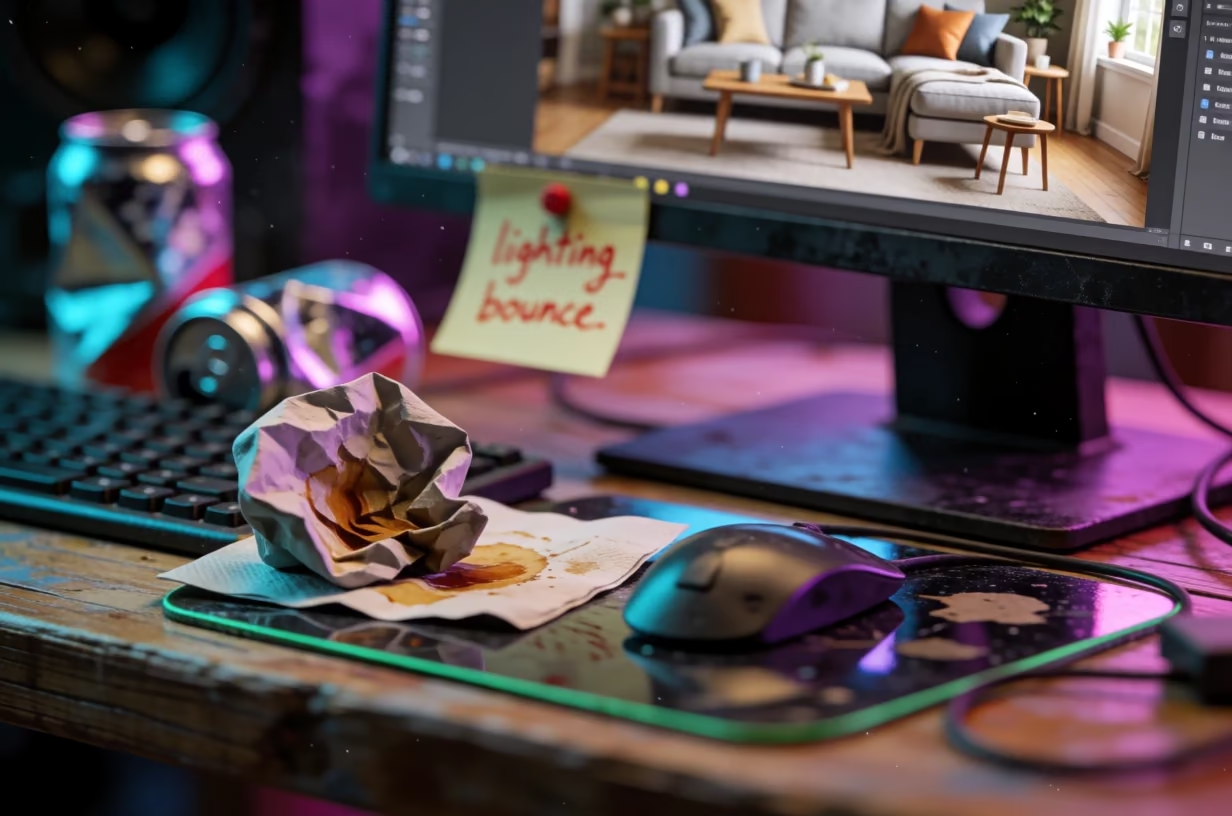
Top-down view of neon digital design workspace with coffee stain on bezel Top-down view of neon digital design workspace with coffee stain on bezel Top-down view of neon digital design workspace with coffee stain on bezel Top-down view of neon digital design workspace with coffee stain on bezel

Similar prompts

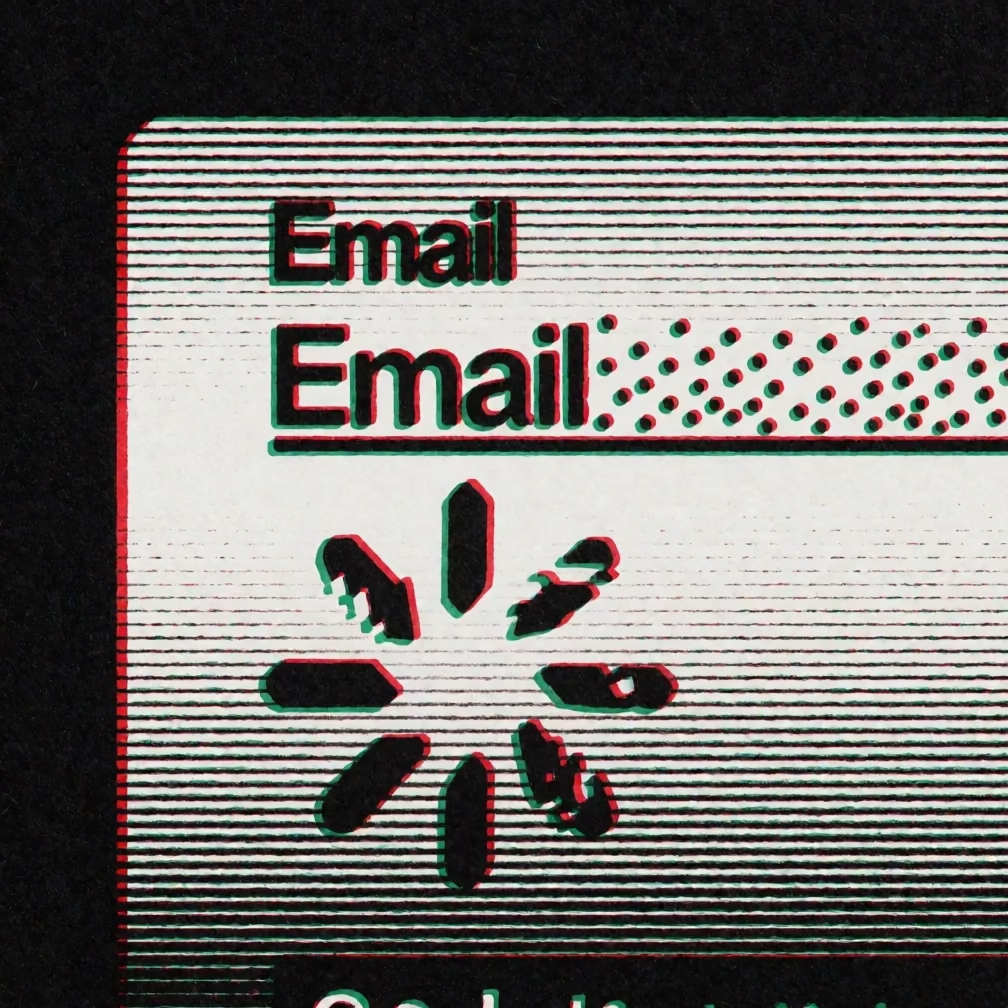
Glitching email form with RGB separation and screen-print texture

Glitching UI Form with RGB Separation

Logos & Graphic Design
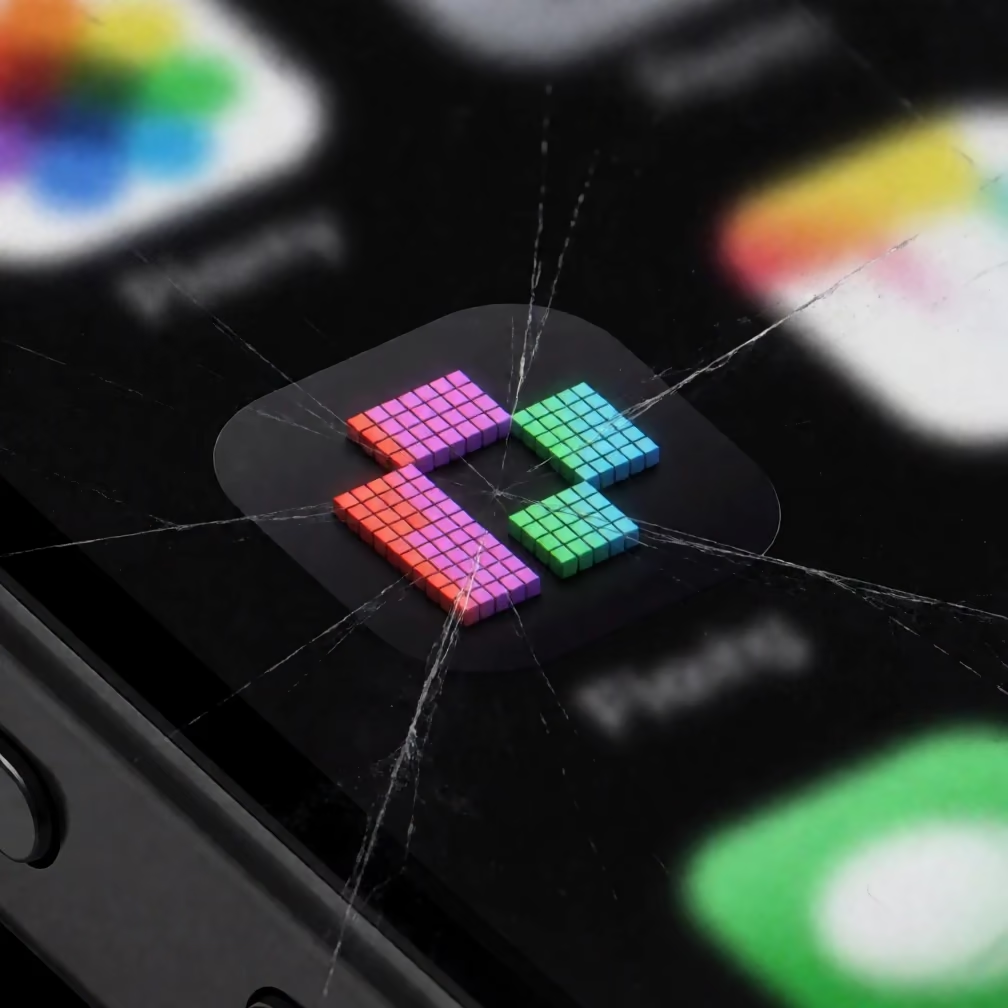
Macro view of a pixelated logo on a smartphone screen with visible RGB sub-pixels

Pixelated Logo on Smartphone Glass

Logos & Graphic Design
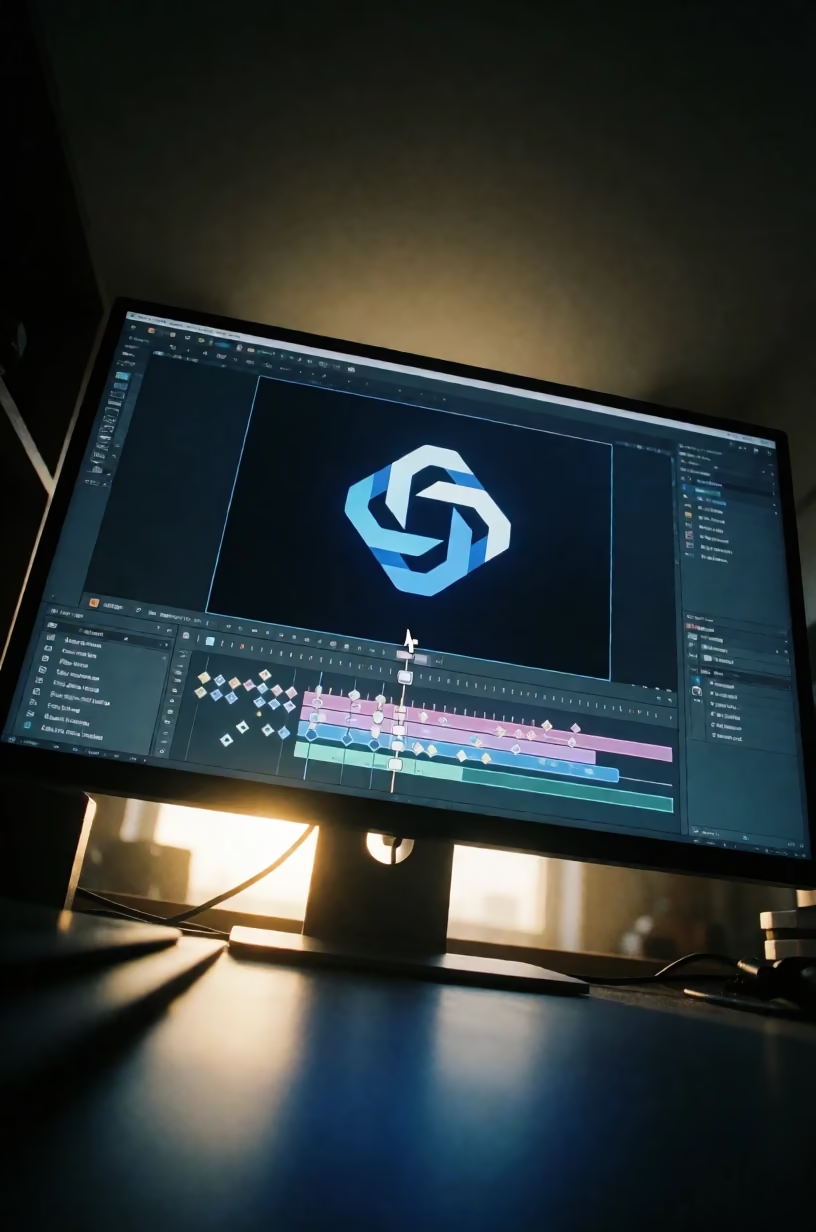
Monitor with motion design software in a dark room, backlit by sun

AI Logo Motion Design in Dark Studio

Logos & Graphic Design
Circular emblem badge logo with stained-glass texture in electric blue and white

Stained Glass Design Tools Emblem

Logos & Graphic Design
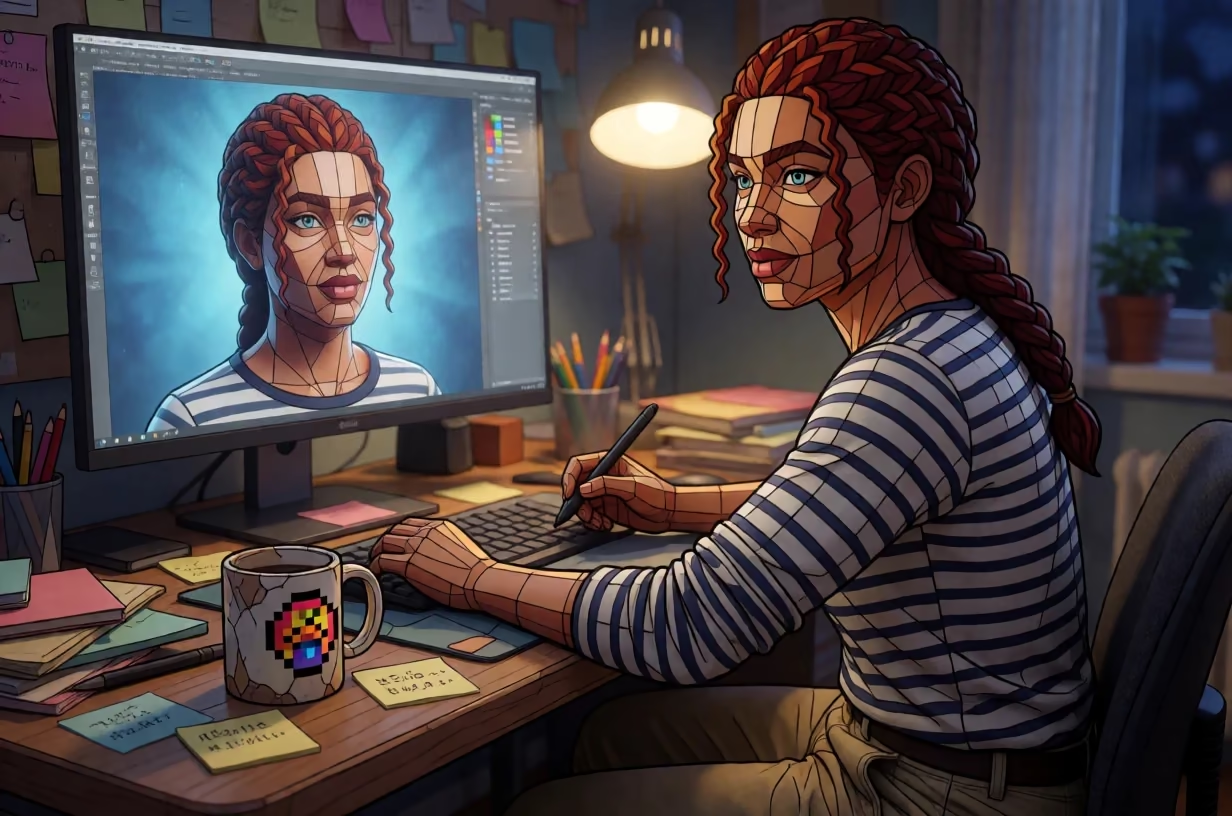
Pixel artist wincing at desk with 3D render of herself in stained-glass style

Pixel Artist Wincing at 3D Render in Stained Glass Style

Art Styles & Paintings
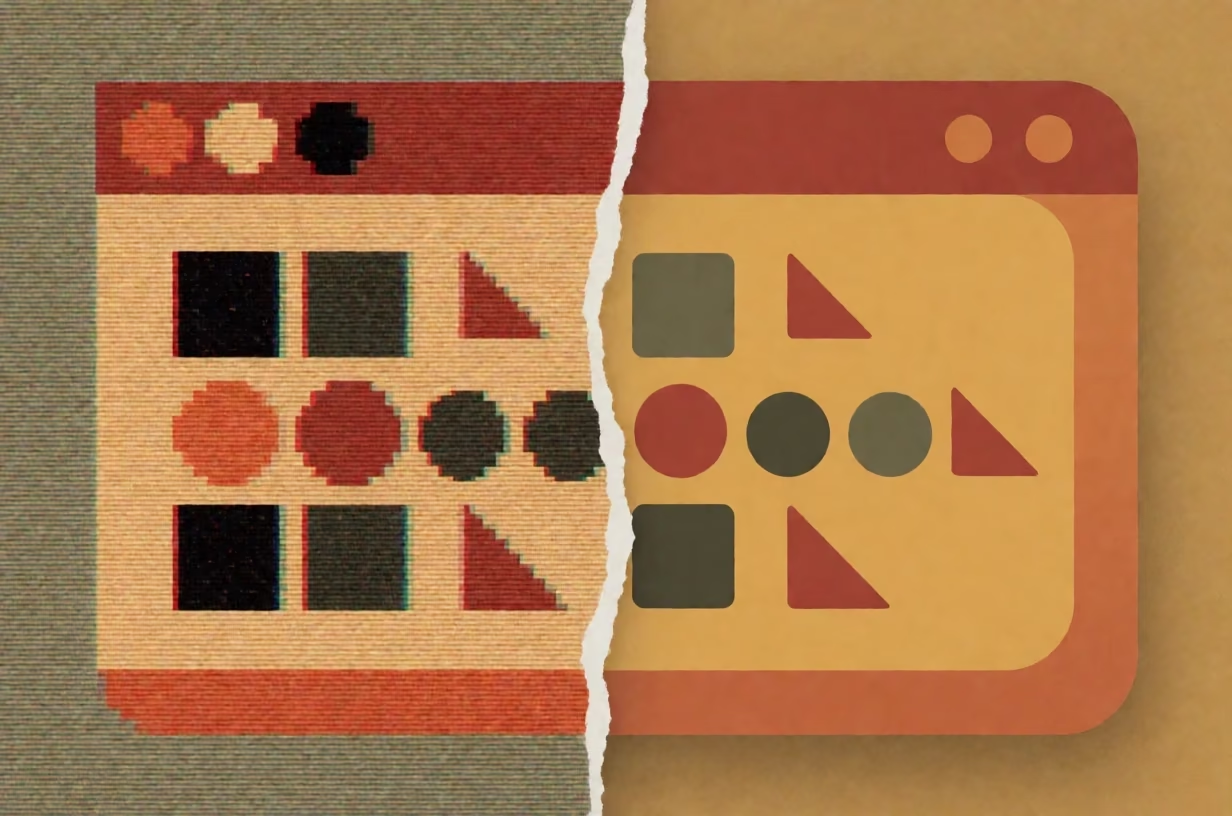
Split infographic with 8-bit pixel art on left and vector art on right, torn paper divider.

8-Bit vs Vector Software Infographic

Logos & Graphic Design
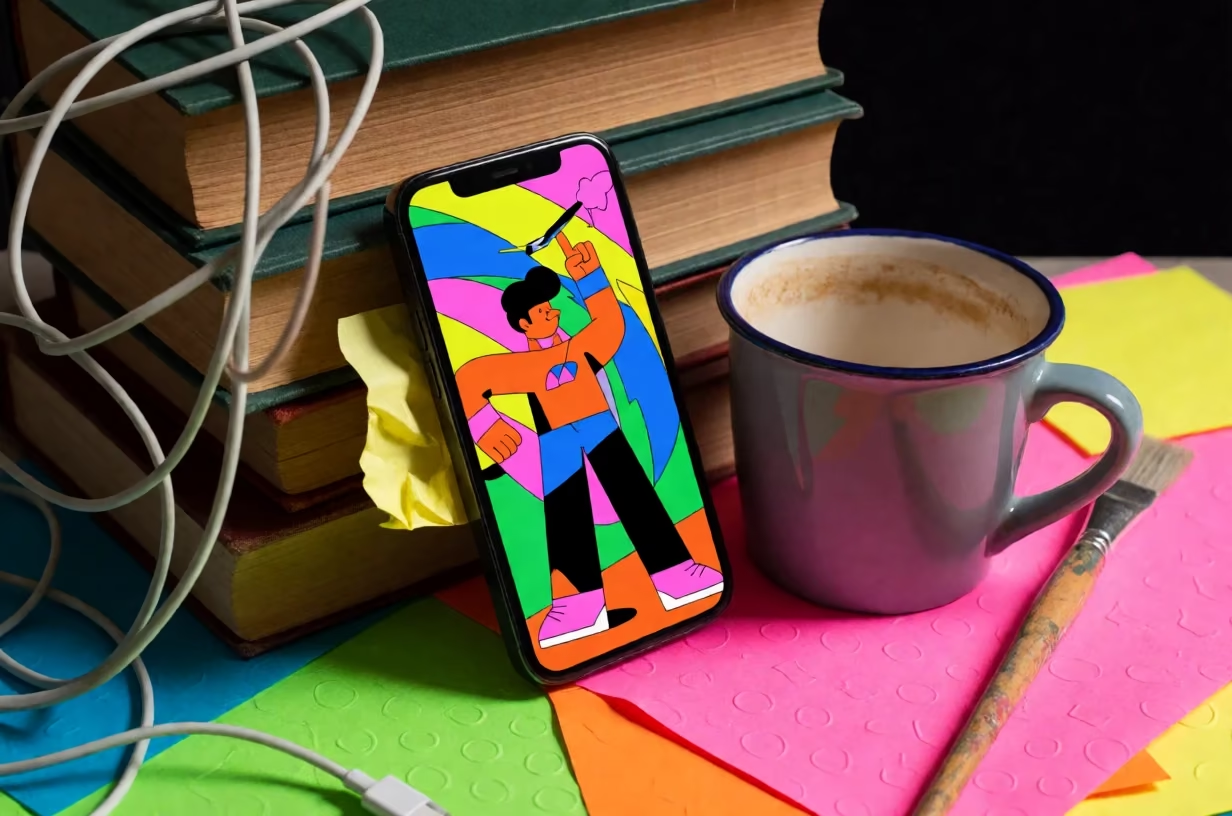
Neon smartphone on messy desk with books, cables, and mug on black ground

DIY YouTube Background Setup with Smartphone and Books

Social Media Covers
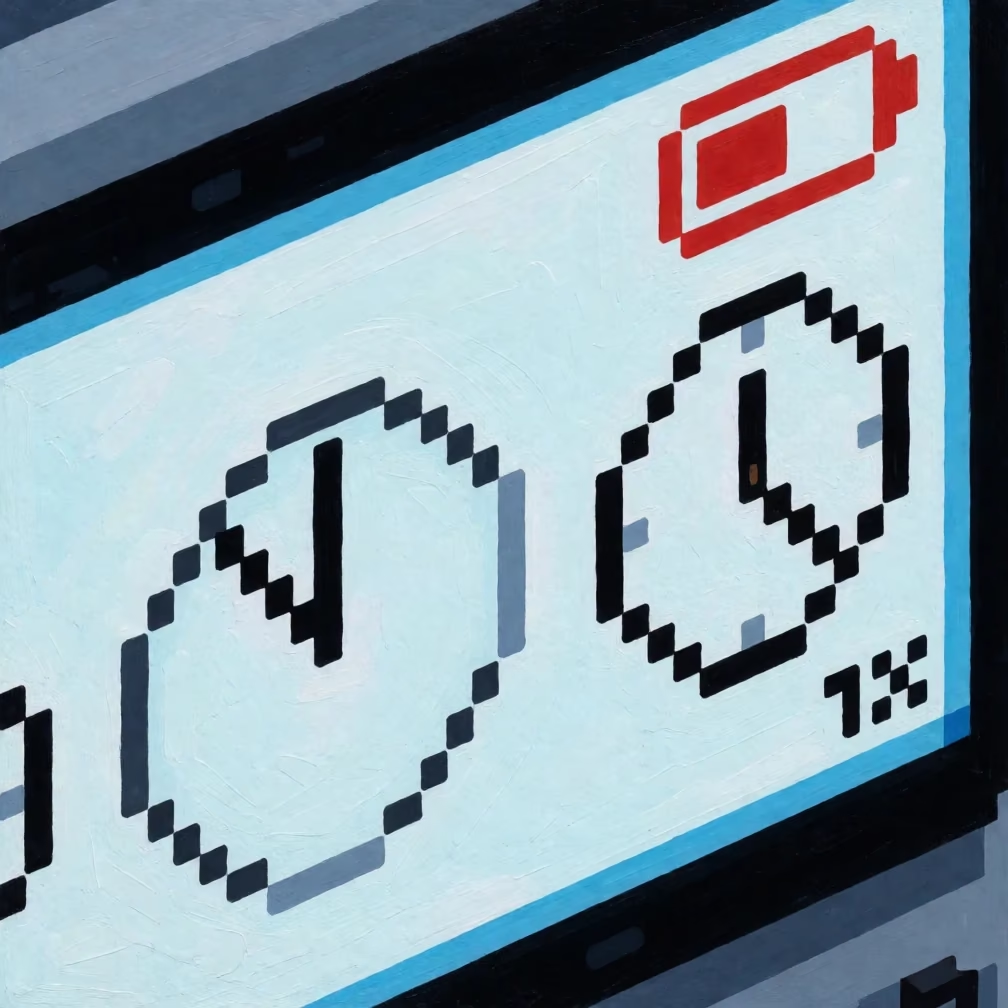
Isometric pixel art game loading screen with spinner and battery icon

Pixel Art Wallpaper: Isometric Game Loading Screen

Wallpapers & Backgrounds
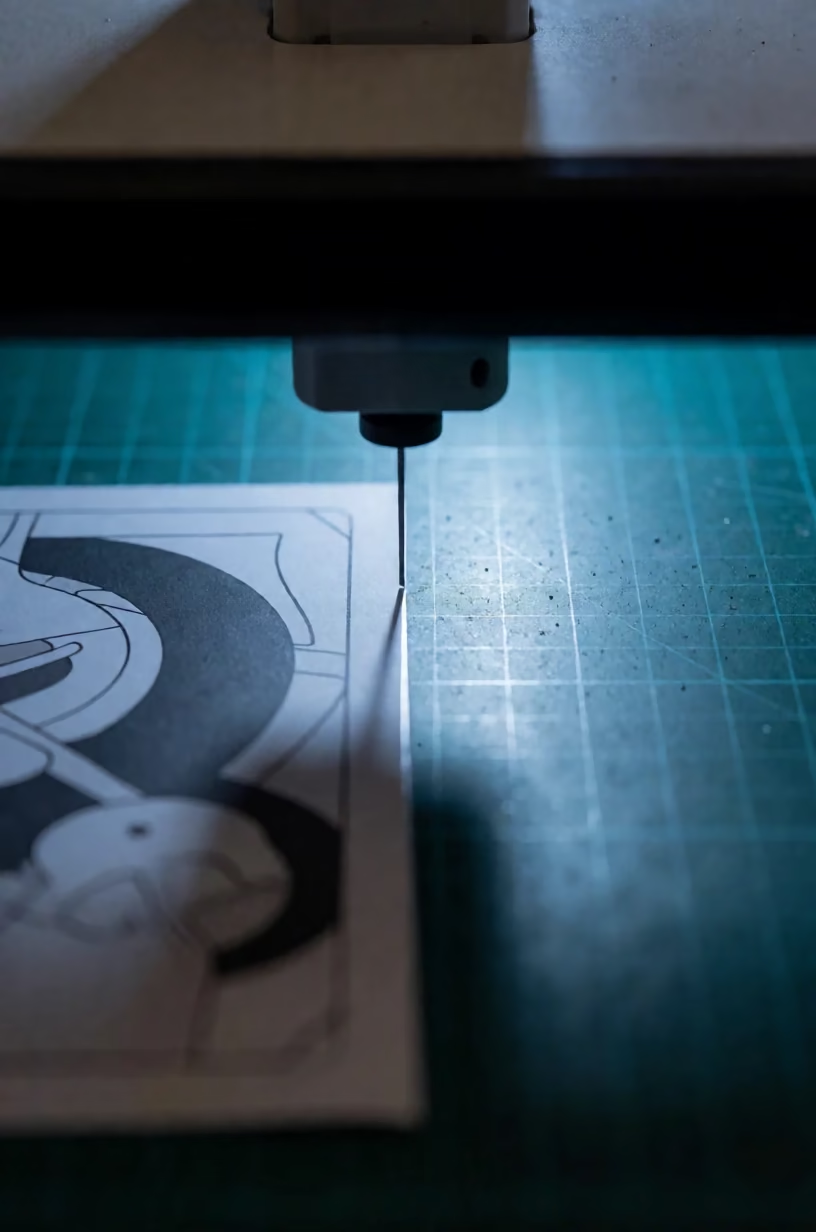
Graphic layout on cutting mat with blade

Graphic Design Layout on Cutting Mat

Logos & Graphic Design
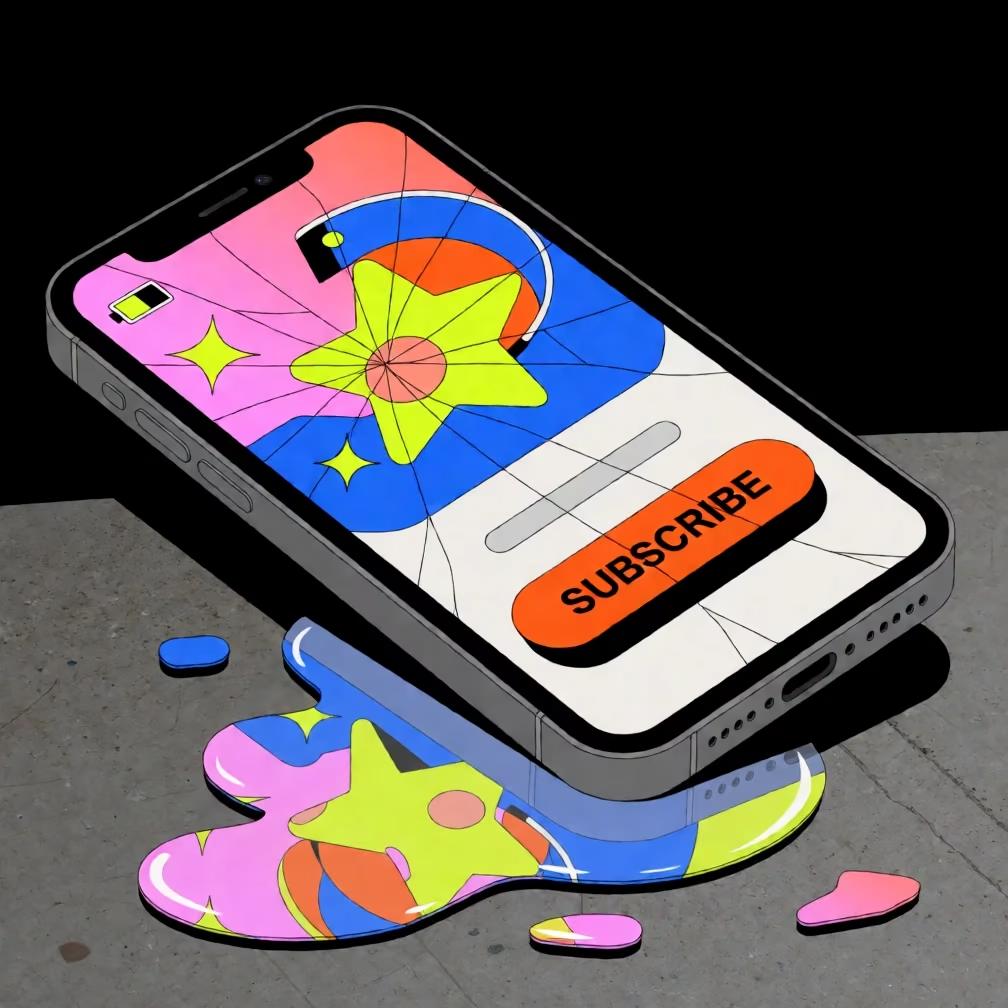
Graphic design of a shattered phone screen with a glowing subscribe button, neon colors on black, geometric shapes.

Shattered Phone Screen YouTube Thumbnail Graphic

Social Media Covers
Macro 3D render of a desk with sculpting tool, napkin, and neon lighting.

3D Interior Design Studio Desk Macro

Interior & Architecture
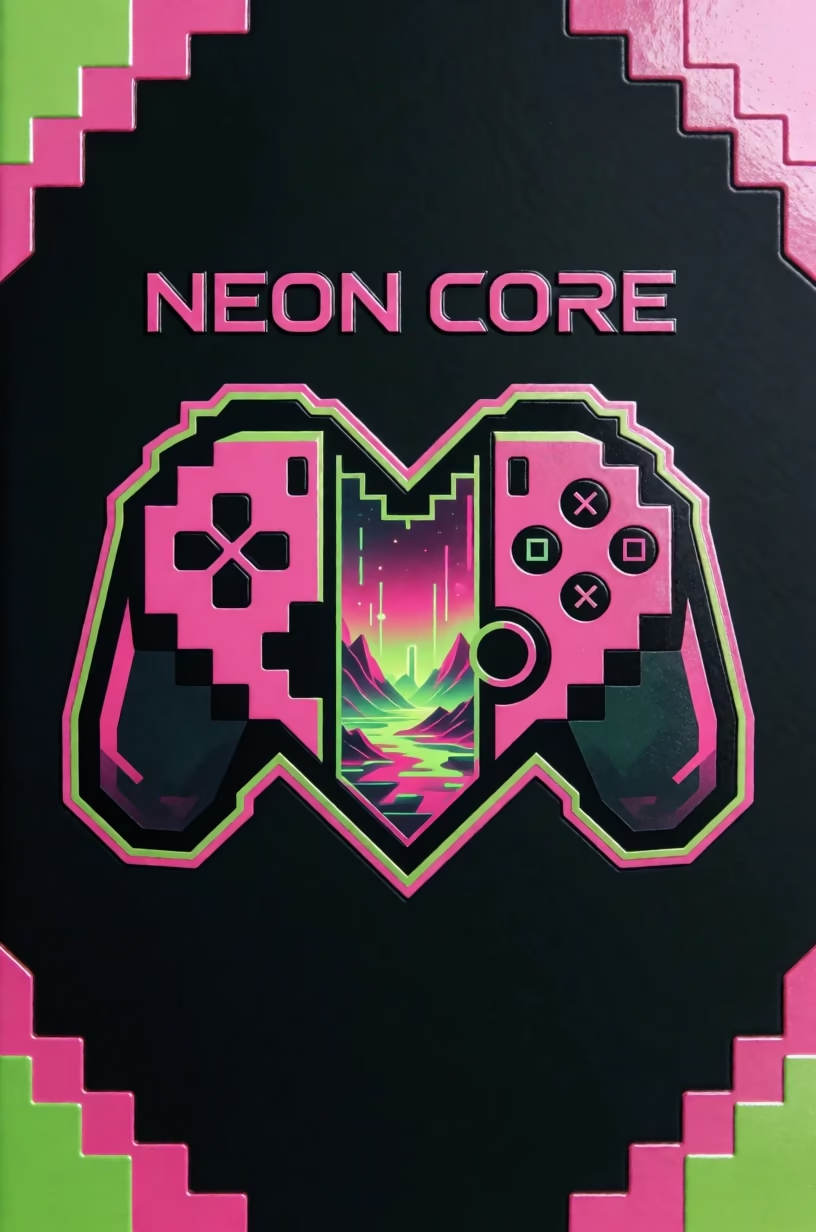
Neon gaming book cover with sliced emblem and embossed metallic text on black background

Gaming Book Cover with Neon Slice Design

Logos & Graphic Design
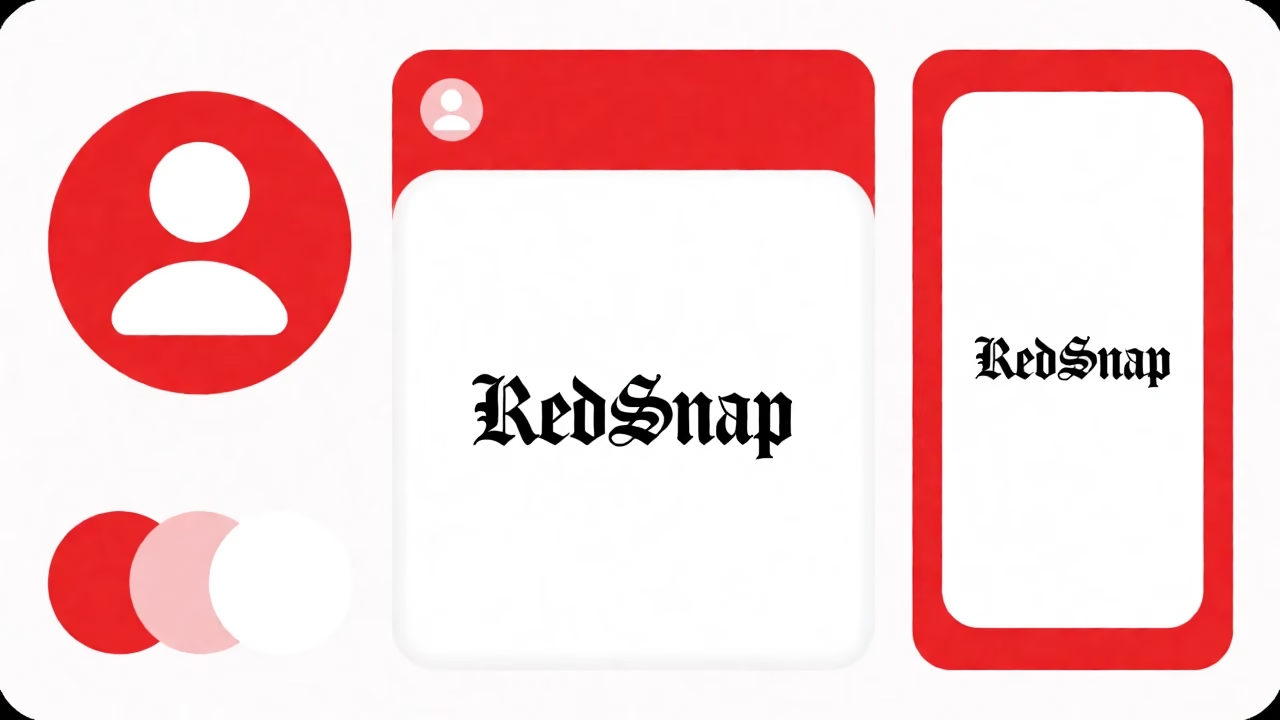
Red and white social media kit with profile avatar, post template, and story template on a grid.

Photo Booth Color Palette Social Kit

Brand Identity Kits
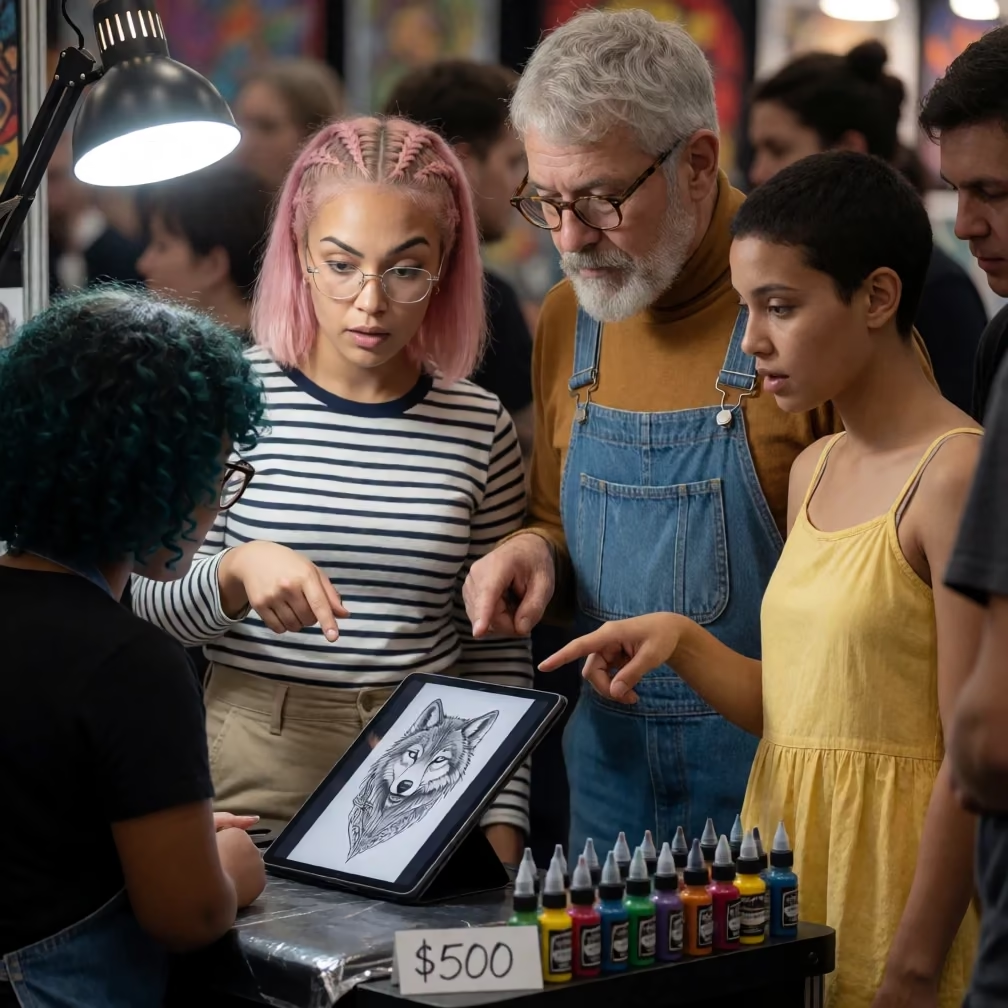
Tattoo artist and customers at a convention booth, pointing at a wolf tattoo on a tablet

Tattoo Artist Showing Wolf Design at Convention Booth

Tattoo Designs
Isometric paper diorama of a digital brush cursor over floating islands

Digital Painting Effect: Isometric Brush Diorama

Art Styles & Paintings

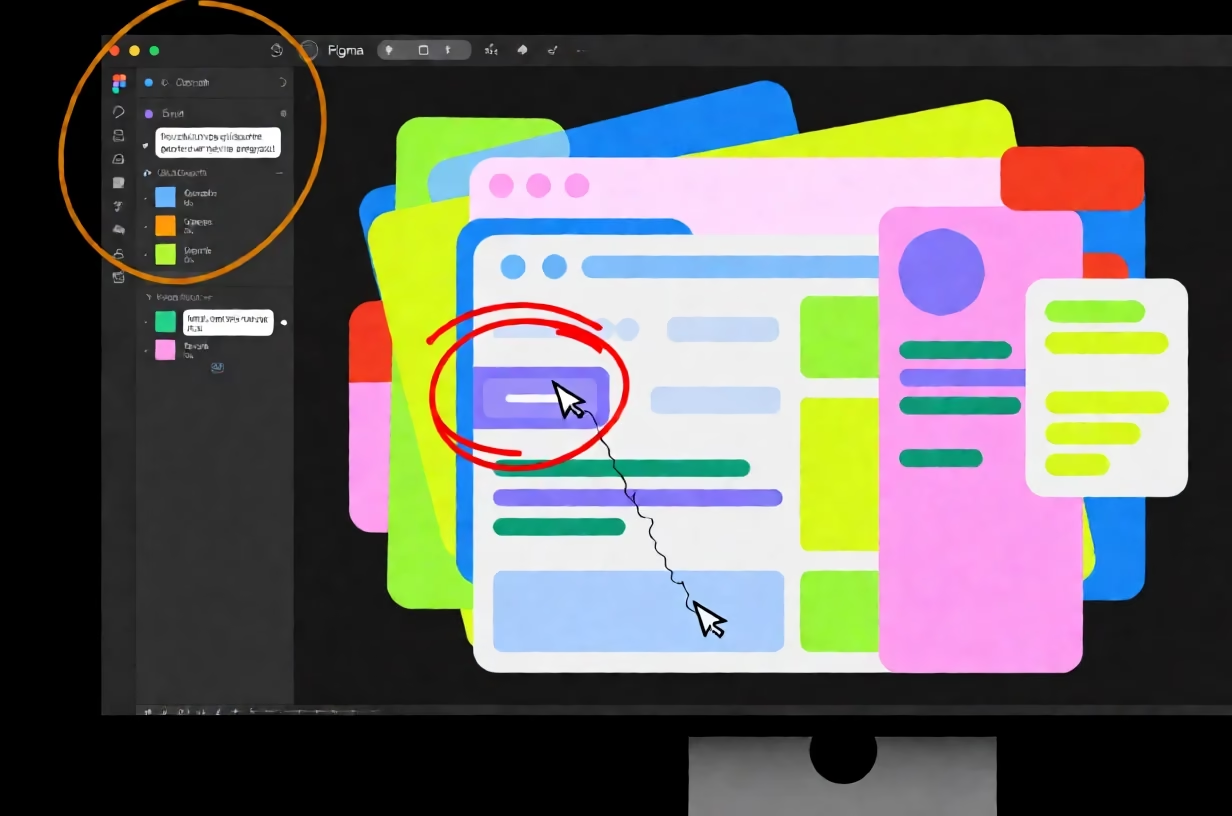
UI Layer Stack with Misaligned Button

Top-down view of a neon UI layer stack on a dark canvas, showing a red circle around a misaligned button and a coffee stain on the bezel.

AI UI Design Prompts

Prompt Oct 18, 2026 · English
A graphic design of a cluttered digital design workspace showing a Figma or Sketch canvas with a complex UI layer stack, viewed directly from above the screen, with cursor trails visible. A red annotation circle is drawn around a misaligned button on the canvas, highlighting the error. A coffee stain ring is visible on the corner of the physical monitor bezel, overlapping the edge of the digital workspace. A half-typed comment is visible in the layer sidebar, with the text cut off mid-sentence. The design uses bright neon colours on a near-black ground, with the UI elements glowing against the dark background. The shapes are flat vector shapes with sharp edges, emphasizing the digital nature of the workspace. The composition is dense and layered, with the cursor trails weaving through the UI elements. The medium is a graphic design with a flat vector style, showing the sharp edges of the shapes and the glowing neon colors against the dark background. The physical monitor bezel is rendered as a solid black frame surrounding the digital canvas, with the coffee stain adding a realistic touch to the digital scene.
Aspect ratio
3:2
LoRA
None
Steps
8
Megapixels
1.0

Why this prompt works

This prompt works by blending the digital and physical worlds, placing a realistic coffee stain on the monitor bezel within a flat vector graphic design. It creates a sense of a real workspace by including specific UI details like annotation circles and half-typed comments.

Subject

A graphic design of a cluttered digital design workspace showing a Figma or Sketch canvas with a complex UI layer stack, viewed directly from above the screen — These words define the subject as a top-down view of a digital UI workspace.

Change: replace Figma or Sketch canvas with Adobe Illustrator canvas — to specify a different design software interface.

Scene

A red annotation circle is drawn around a misaligned button... A coffee stain ring is visible on the corner of the physical monitor bezel... A half-typed comment is visible in the layer sidebar — These details add realism and context to the workspace.

Change: replace coffee stain ring with lipstick mark — to change the physical detail on the bezel.

Framing

bright neon colours on a near-black ground... flat vector shapes with sharp edges — These framing lines define the color palette and the style of the shapes.

Change: replace bright neon colours with pastel tones — to shift the color palette to a softer, more muted look.

Light

The UI elements glowing against the dark background — The light is implied by the glowing neon colors against the dark ground.

Change: replace glowing with matte — to remove the glow effect and make the colors flat and non-illuminated.

Style

The medium is a graphic design with a flat vector style, showing the sharp edges of the shapes — This defines the final output as a flat vector graphic.

Change: replace flat vector style with isometric 3D style — to shift the perspective to an isometric view with depth.

Variations
  • replace red annotation circle with yellow highlighter — to change the annotation tool to a digital highlighter.
  • replace cursor trails with selection boxes — to change the visible cursor movement to selection rectangles.
  • replace near-black ground with dark blue ground — to shift the background color to a deep blue.